Smart Locks & Access Control
Automate and control access with smart locks
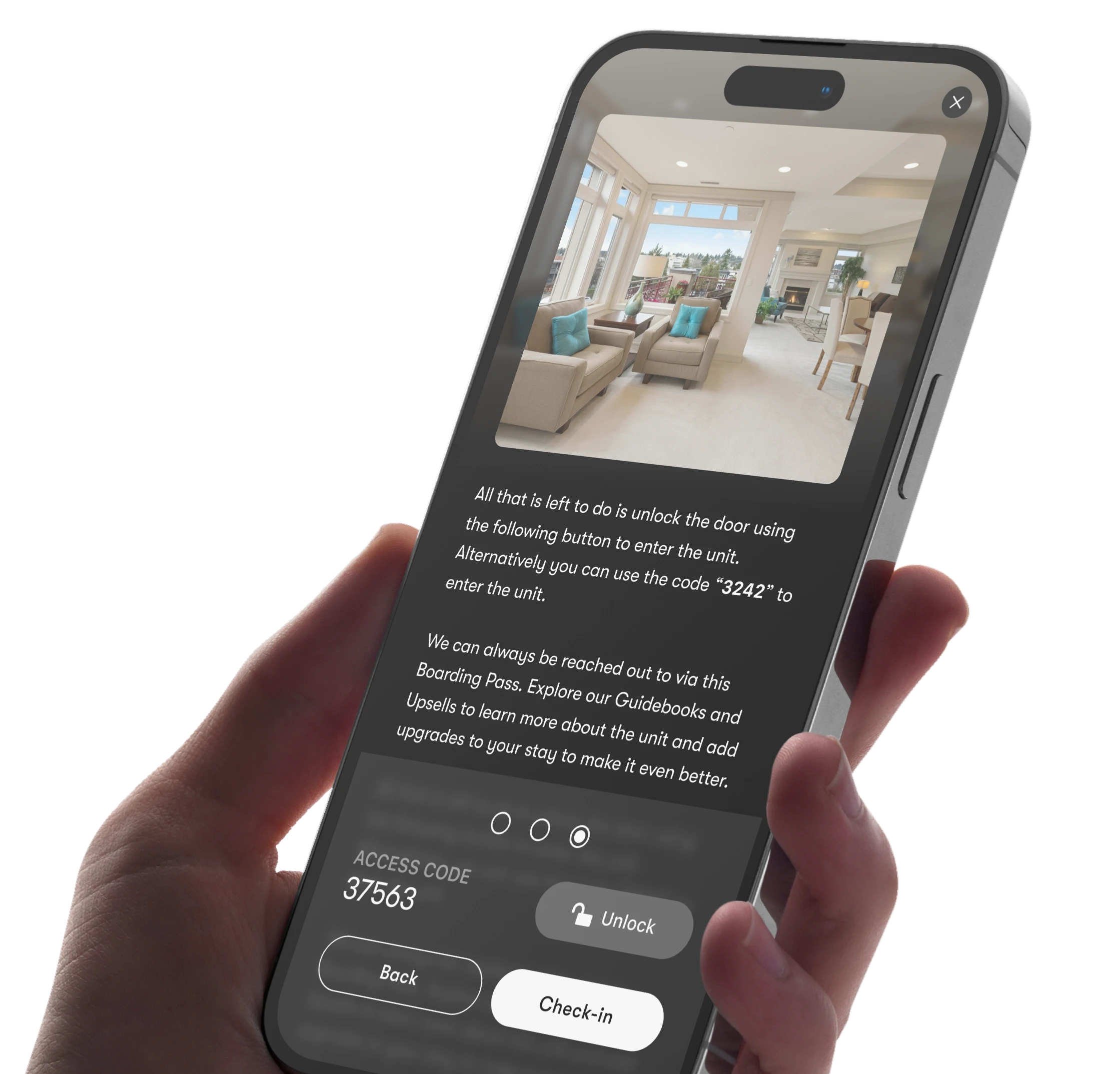
Control access from anywhere: lock and unlock remotely, generate virtual keys per booking, set temporary or permanent codes for staff, and get real-time device status. Connected to the Boarding Pass guest app, so codes appear the moment a guest checks in.
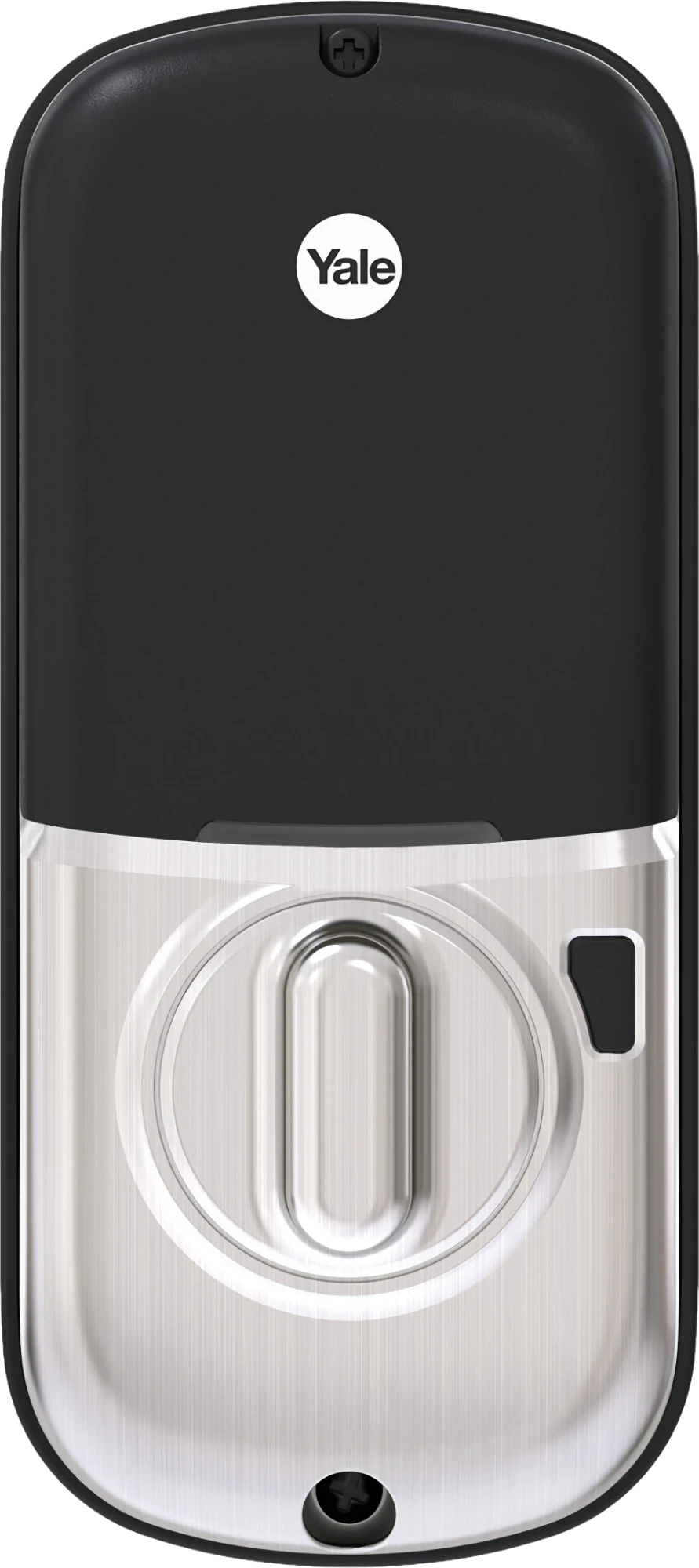
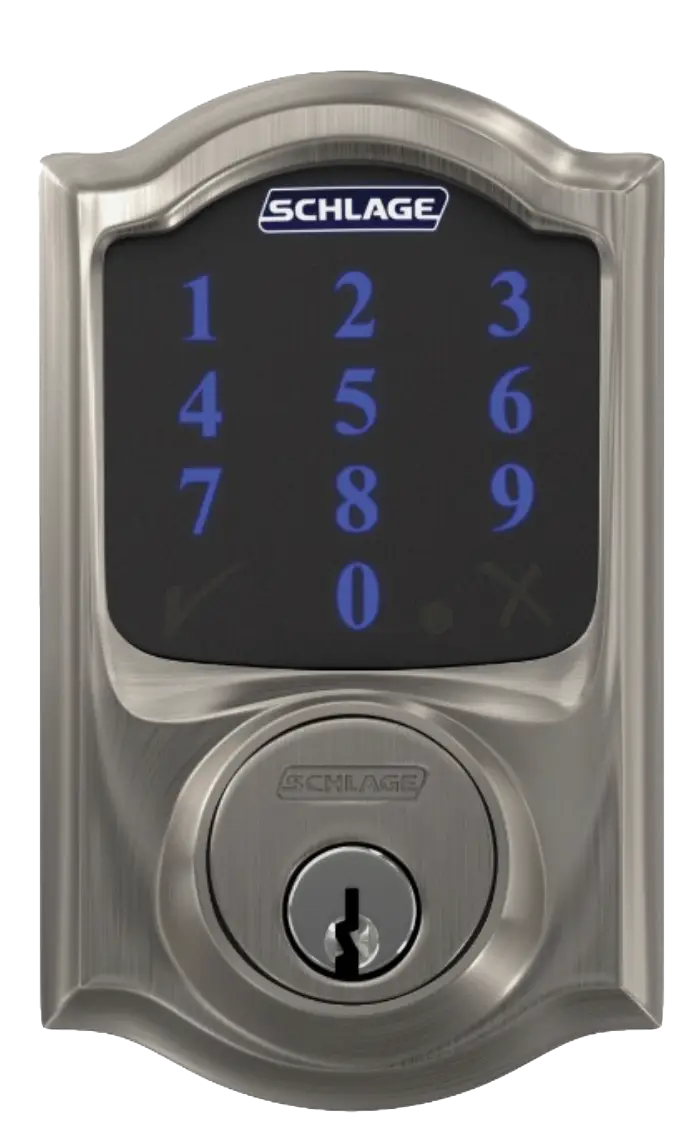
WORKS WITH THE LOCKS YOU ALREADY OWN
30+ smart lock and access-system brands supported, with new brands added regularly.
Don’t see yours listed? Ask us, we’re likely already adding it.


QUICK ANSWER: What is the best smart lock software for vacation rentals?
Enso Connect manages smart locks from 30+ brands in one place: unique codes are generated per reservation, scheduled to check-in and checkout times, and delivered to guests through the Boarding Pass - only after guest verification. Battery alerts, multi-door access and paid early check-in that reschedules codes automatically are built in.
HOW IT WORKS
Set up in minutes, manage from anywhere
Three steps between an unpaired lock and a fully contactless check-in.
1
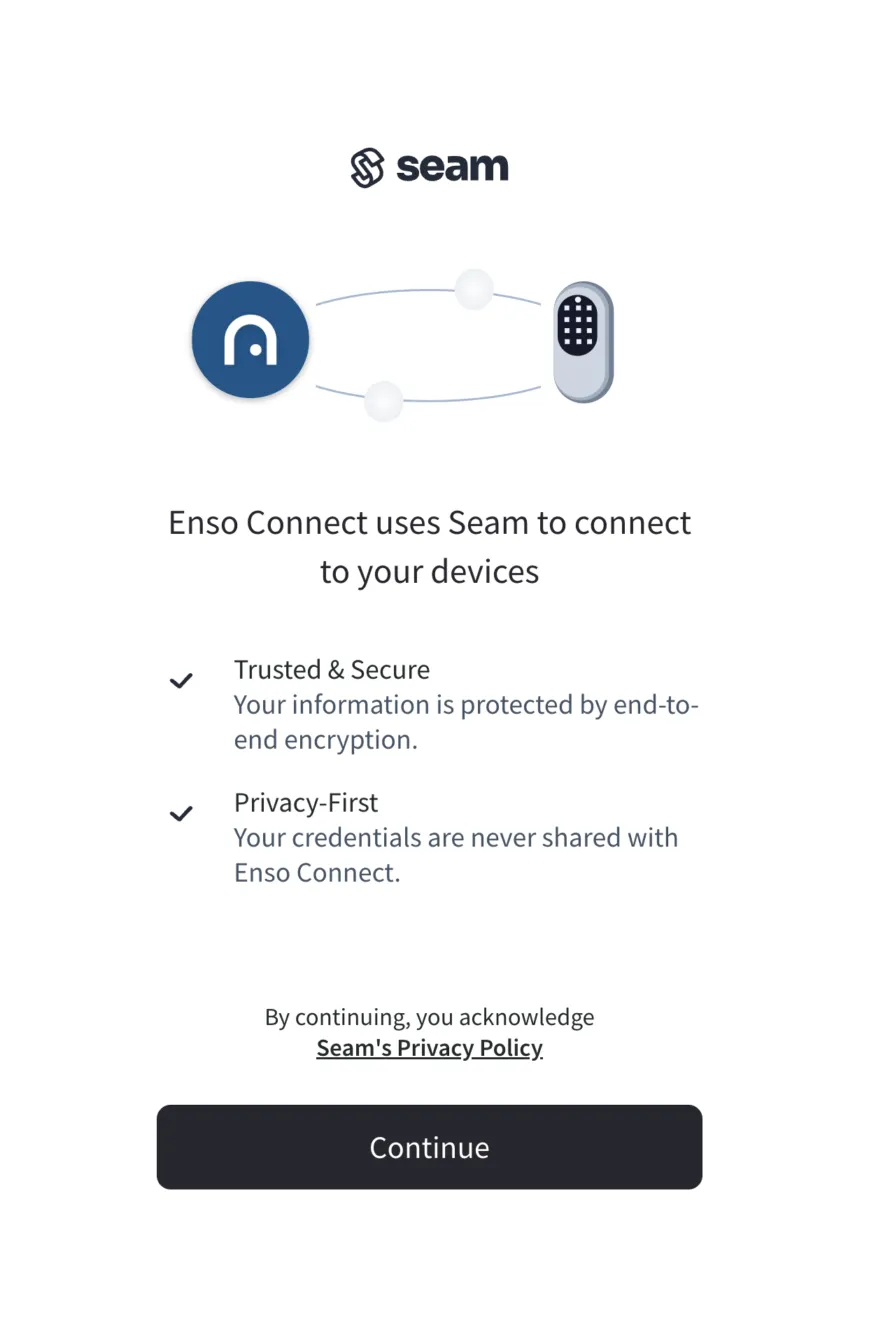
Connect your smart lock account

2
Pair your properties & locks
3
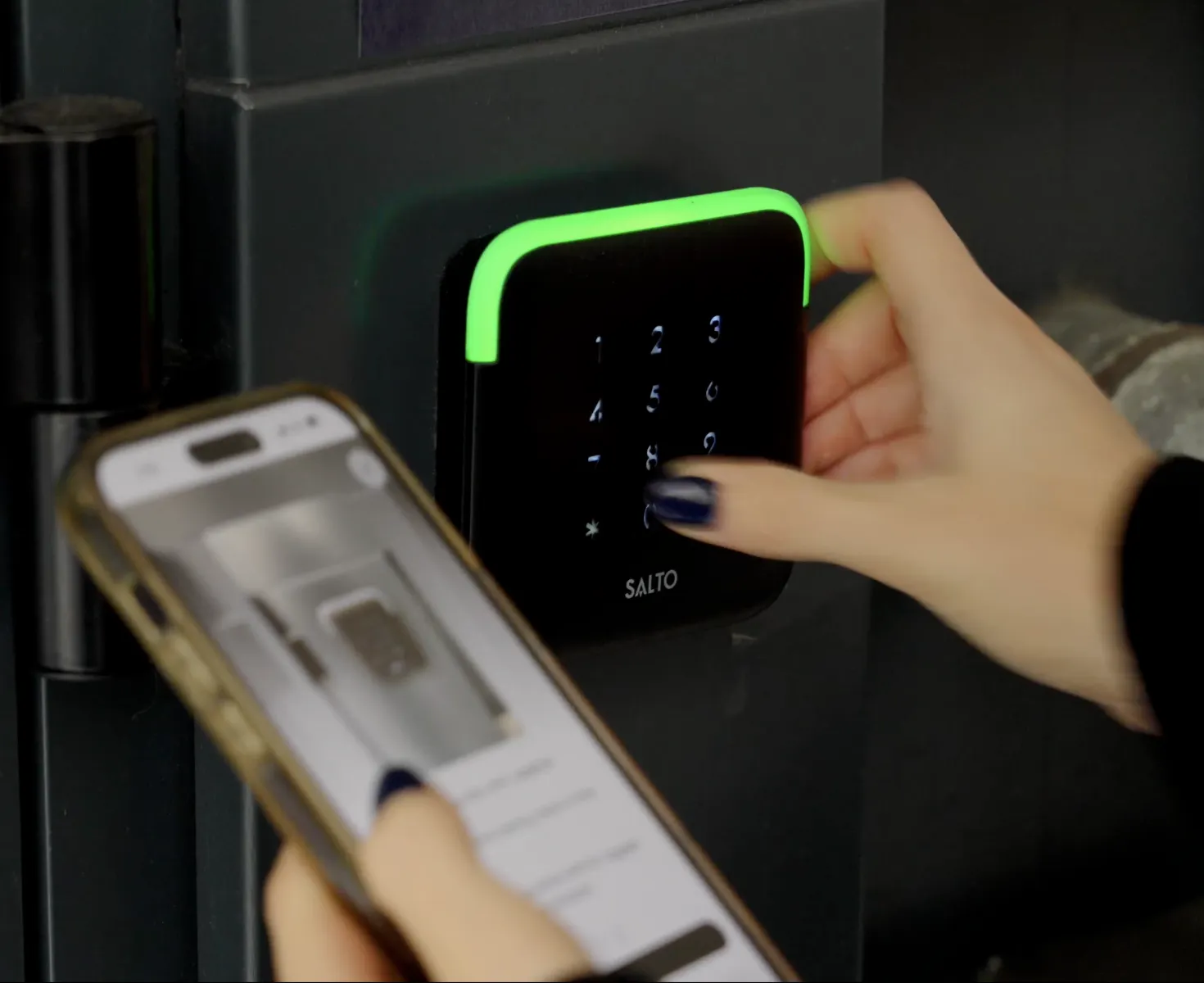
Create a contactless check-in experience
WHAT YOU CAN CONFIGURE
Full control over every code, on every door
Not just lock and unlock, but the depth to run access control for an entire portfolio.
Access & codes
Device activity logs
A full history of every lock and unlock, by whom and when, for every door.
Temporary staff codes
Named codes for cleaners or maintenance, scoped to a date range, then gone.
Permanent staff codes
Standing codes assigned to specific team members, with usage tracked over time.
Guest codes, your way
Default to the last 4 digits of the guest’s phone number, or set a fully custom code. Your call, per property.
Device health & alerts
Battery & connection status
Live battery level and online/offline state per device, visible before it becomes a locked-out guest.
Real-time alerts
SMS or email the moment a device goes offline, loses connection, or needs attention.
Configuration & control
Multi-lock, multi-property
Configure multiple locks on one property, or one lock shared across several. Set up to match how you operate.
Remote lock & unlock
Lock or unlock any door from anywhere, instantly, if a guest needs a hand getting in.
Quick setup
Connect an account and pair a property in minutes, with no per-lock manual configuration.

PROOF
Operators and access partners trust Enso Connect to run smart locks remotely


Device compatibility
Which smart lock brands work with Enso Connect?
The full list of smart lock & access system brands supported by Enso Connect
Don’t see your brand? Check the full integrations list or ask us, we’re likely already adding it.
FAQ
Questions about Smart Locks in Enso Connect
When do you program the lock codes?
Codes are generated automatically as part of the Boarding Pass check-in flow, as soon as your account is connected and a property is paired. No manual setup is needed per booking.
What happens if the lock code fails?
Every lock is programmed with 2 backup codes alongside the primary. If a guest needs one, it’s issued to them automatically, then re-programmed at the end of their stay.
Can I get a notification if there is a problem with the lock?
Yes. You can receive real-time alerts via SMS, email, or in-app notification for battery, connectivity, or pairing issues, so you can act before it affects a guest.
When does the code expire for the guest?
By default, guest codes are scoped to the reservation window and expire automatically at checkout. If the guest purchases a late checkout, the code window updates automatically.
What happens if a guest purchases a late checkout?
The access window tied to their code shifts automatically to match the new checkout time, with no manual update needed.
What happens if I revoke Boarding Pass access?
Revoking a guest’s Boarding Pass access also revokes their smart lock code, immediately cutting off entry to the property.
Which smart lock brands are supported?
Enso Connect supports 30+ smart lock and access-system brands, including Yale, Schlage, August, Nuki, Igloohome, Kwikset, TTLock, RemoteLock, Salto and more, with new brands added regularly. See the full list of supported devices.
Can I set custom codes instead of using the guest’s phone number?
Codes are either the last 4 digits of the guest’s phone number, or randomly generated for additional security, set per property, whichever fits how you operate.
Are Smart Locks an add-on?
Yes. Smart Locks are an add-on to your Enso Connect plan, priced based on the number of connected devices, your billing cycle, and contract term length. Contact sales for a quote tailored to your portfolio.
See your smart locks run on Enso Connect
Book a demo to see guest and cleaner codes issued automatically on your own properties.